

This guidance is in reference to the original audit module from Radar Healthcare. Support for this feature will end in April 2025. Please click here for more details.
For the new audit tool please view our dedicated guidance here.
Reading time 1 min
- When creating your Audit Template, you have the option to mark a Section as a Priority Section and give a minimum score allowed for this Section of the audit.
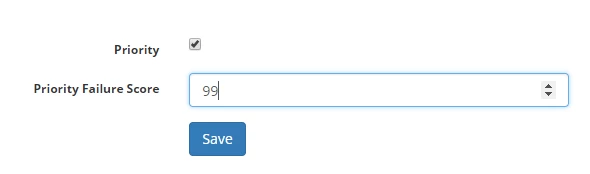
- This means that regardless of the score for the rest of the audit, if the Section marked as a priority achieves a score lower than that set here, the audit will be marked as a Fail.
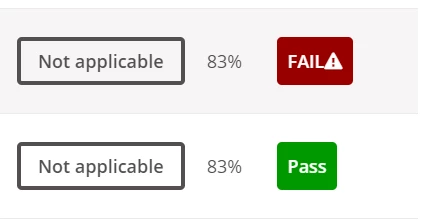
- In this example two instances of the audit have scored the same, however one is marked FAIL and another Pass. This FAIL is due to the user not passing the required pass mark on the priority section.
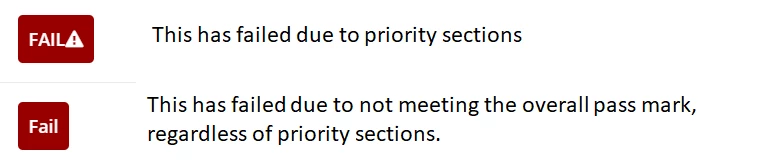
- There is also a difference in the type of audit fail symbol.