


Reading time 1 min
We’re aware that the ability to send reminders for notices is currently unavailable. At this stage, we’re not able to confirm when this feature may be reinstated but we are working to a solution and it will be communicated via our Community.
- To remind users to review their outstanding notices you can send a reminder email all those users who have not yet responded to the notice. You can only do this for notices that require a response by a certain date.
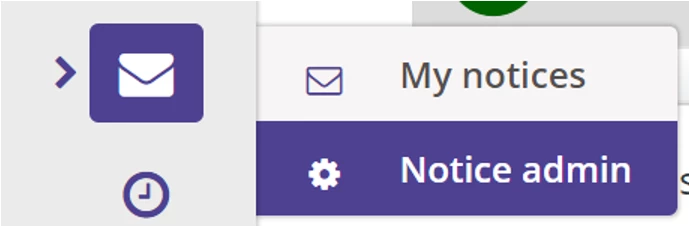
- To view notice details, click on the Notices menu item from your side menu, then Notice admin.
- Here you will see a list of all created notices. To view a notice and send a reminder, click into the notice from this list.
- The details screen will give you a preview of the notice sent along with a list of recipients.
- If a response is required, the recipients list is split into those that have actioned the response and those that haven’t. You can only send a notice reminder for notices where a response is required.
- To send a reminder email to all those users in the Recipient(s) who have not confirmed list, select Send Reminders at the top of the screen.
- An email will be sent to all users who have not responded to the notice.