


Reading time > 1 min
- By default, your Workforce Compliance Analytics dashboard will only include active users (i.e. users who have not been end-dated).
- You can choose to include Inactive users (i.e. those who have been end-dated) using the right-hand filter "IsActive".
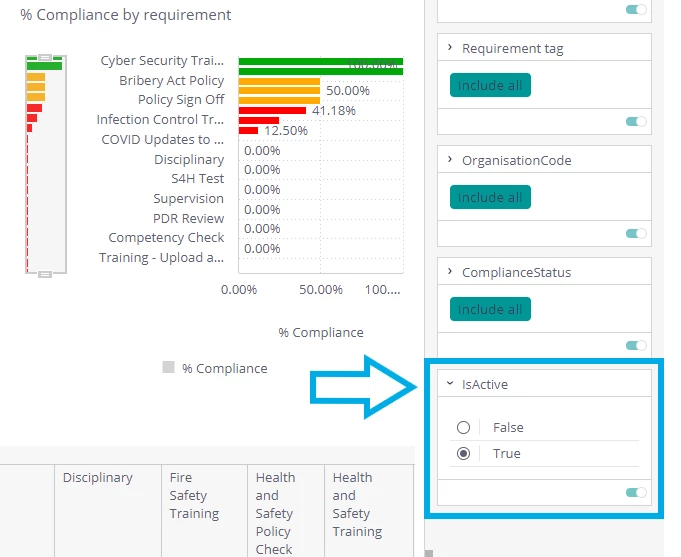
- To show only Active users on your dashboard, select True.
- To show only Inactive users on your dashboard, select False.