


Reading time 1 min
- To view your Document Management system, select Documents from the left-hand menu.
- Here you will see all current folders in your system, along with the current Status of the folder. The folder status is pulled from the documents within it:
- If all the documents within the folder are up to date, the status of the folder will be Compliant
- If one or more of the documents in the folder are passed the review date, the status of the folder will be Overdue
- All documents must be saved into a folder.
- To create a new folder, select ‘New folder’ from the top of the page.

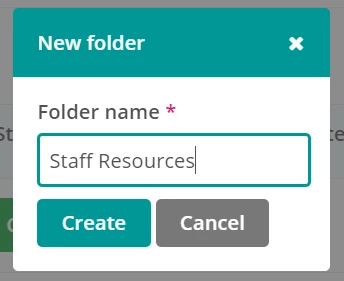
- Enter the name of your new folder and select Create.
- Your new folder has now been added.