


Reading time 1 mins
- To edit a document, from within the Document, click on the three-dot menu icon to the top right-hand side of the page and select Edit file details.
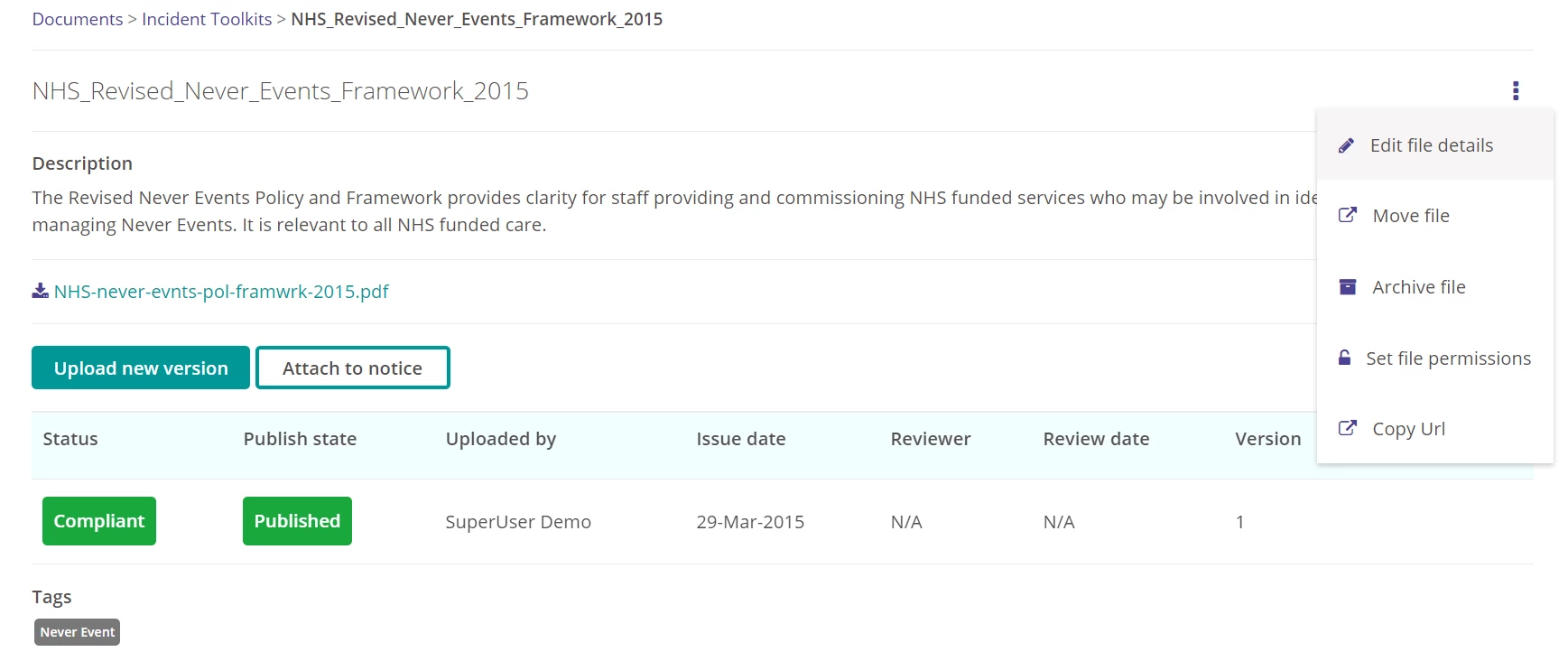
- From here you can navigate to the relevant details that you wish to update, using the left-hand side progress bar.
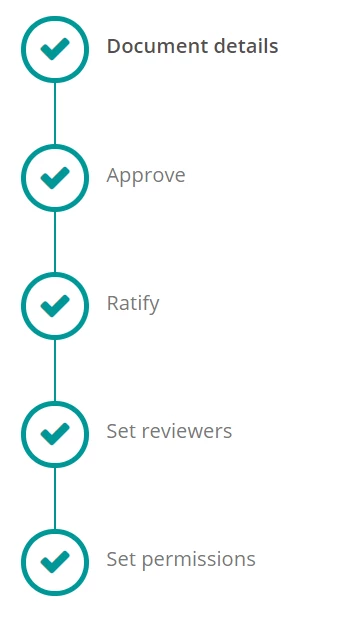
- Update the document details as required.
- To save the changes, navigate to the last step in the details progress bar, set permissions, and select Complete.
- The document has now been updated.
- To note - you will be unable to upload a new document via this method. To upload a new document, you must use "Upload new version" on the document details page. This is to ensure a full version history is tracked.