


Reading time 1 min
- Within the Document Management system in Radar Healthcare, you can have Folders and Sub-folders to ensure your documents are organised appropriately.
- Once a folder or document has been created, you can move it to within a different folder if required.
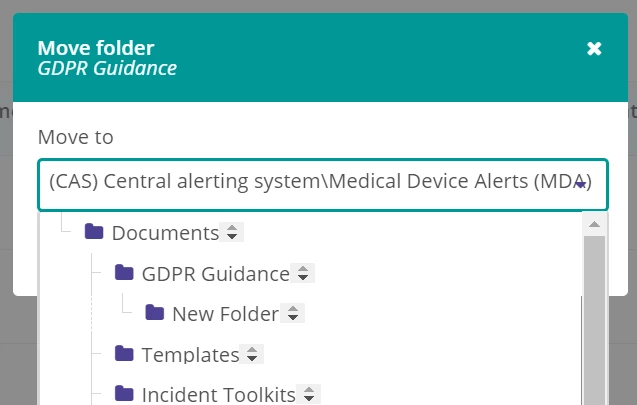
- To move a folder or a document to a new location, from the Document list, select the three-dot menu icon to the right-hand side of either the folder or the document that you wish to move and select Move folder or Move file accordingly.


- Choose the new location of the folder or document and select ‘Move’ to confirm.
- The folder or document has now been moved to the new location.