


Reading time > 1 min
Please note the Query Builder tool does not include the new and improved audit tool which has a range of advanced Analytics available.
- If you have saved a report that you have built previously, or if you need to load a report that has been built by another user and shared for you to view, from within the Query Builder, select Load Report.
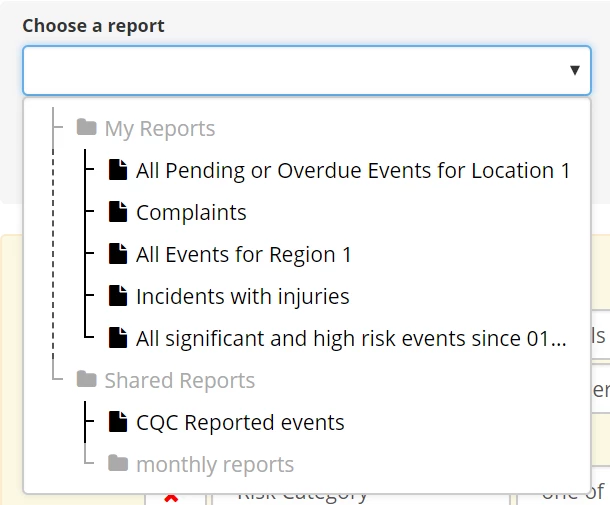
- You will then be able to choose from all the available saved reports - reports saved in the My Reports folder are private and available only to you. Reports saved in the Shared Reports folder are public and can be loaded by anybody who has access to the folder.
- Select the report you wish to run and click Load.
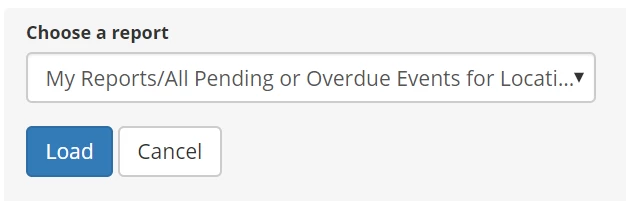
- This will load the parameters for the saved report.
- To run the report, click Run report at the top of the screen.